
Brother
MFC series
Compare a compact machine’s paper size, tray options and included supplies against your monthly use.
Explore 12 brands, from desktop multifunction printers to floor-standing copiers. Compare the models that fit your paper sizes, scan jobs and local service needs.
Enter your installation ZIP or city to find nearby offices. Choose a brand and service to narrow the results or start a quote request.
Find the product family on your estimate, then check the exact model and included options.
MFC series
Compare a compact machine’s paper size, tray options and included supplies against your monthly use.
imageFORCE, imageRUNNER ADVANCE DX and imageCLASS
Check the exact model generation. Canon’s imageFORCE C3100 series replaced the imageRUNNER ADVANCE DX C3900 series.
WorkForce Pro and WorkForce Enterprise
Compare business inkjet options. The AM-C400 and AM-C4000 have similar names but support different sizes.
LaserJet Pro and LaserJet Enterprise
Confirm that your exact SKU has scan, copy and fax capabilities if you need them.
bizhub and AccurioPress
Check if the quoted paper feeder is single-pass and whether the finisher is part of the configuration.
ECOSYS and TASKalfa
Ask for a quote that shows the cost of supplies and which parts the service plan covers.
CX, MX, XC and XM models
Check the regional model number, supplies and service eligibility before committing to a configuration.
IM and IM C series
Compare the specific monochrome and color models. Check which scan formats and options the device includes.
BP series and older MX series
Check the difference between included and optional paper drawers, power requirements and panel features.
e-STUDIO
Confirm available finishers, scan destinations and who services the model in your area.
VersaLink and AltaLink
Start with the paper size you need. Check the exact model for app, authentication and scan options.
HP acquired Samsung’s printer business in 2017. For older machines, check drivers by exact model and compare local repair with replacement.
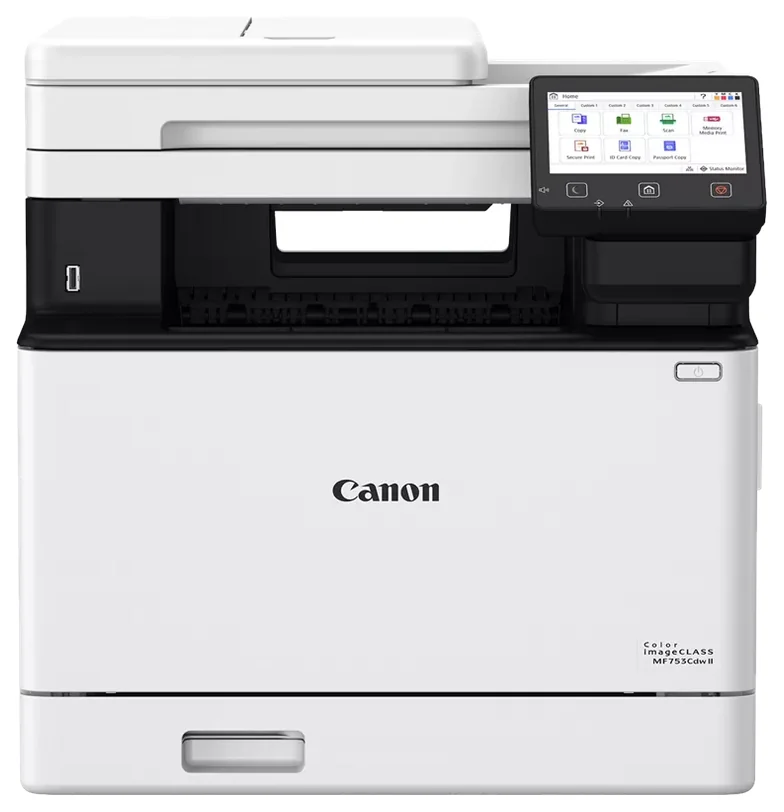
Desktop color laser
Up to 35 ppm on letter. Handles legal paper and scans both sides in one pass.
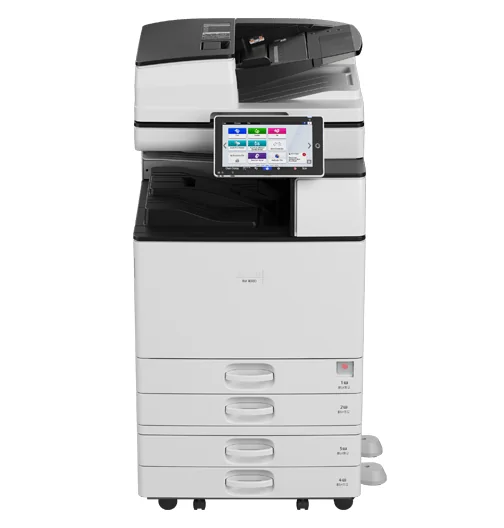
11 × 17 monochrome laser
Up to 40 ppm on letter. Includes a 220-sheet single-pass feeder for large scan batches.
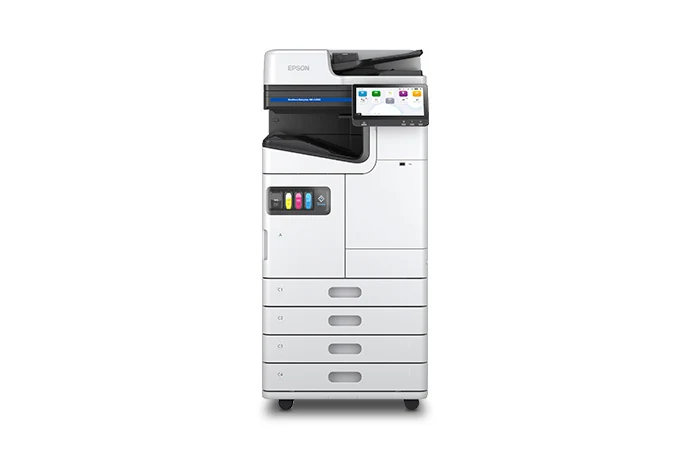
11 × 17 color inkjet
A workgroup inkjet that prints in color on tabloid paper. Check local printhead service.
Choose the paper sizes and feeder your jobs require. Then verify the scan destination, app license and local service on the exact model. A shared folder can work for basic intake. A panel app or document processing system can help when staff need to choose a job, extract fields or send files for approval.
Ask dealers for written response times and coverage at your location. Before choosing, test each quoted configuration with the same paper and scan jobs.