
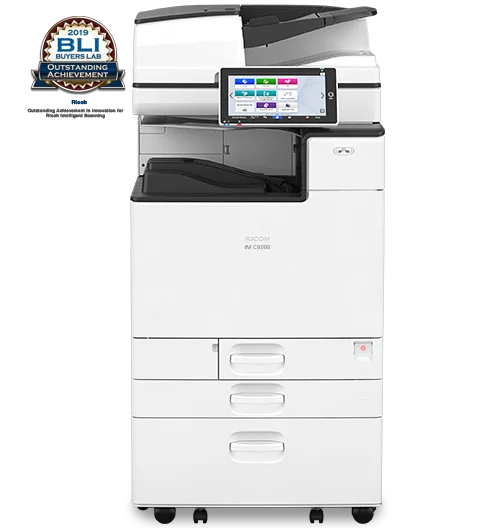
Ricoh IM C6000
The Ricoh IM C6000 prints at 60 pages per minute and scans both sides in one pass at up to 240 images per minute. Tray 2 accepts up to 12 × 18 sheets.
Published IM C6000 price
- $3,995.00Choice Copiers · the dealer’s advertised purchase price for an IM C6000, subject to confirming the installed configuration and availability. Checked .
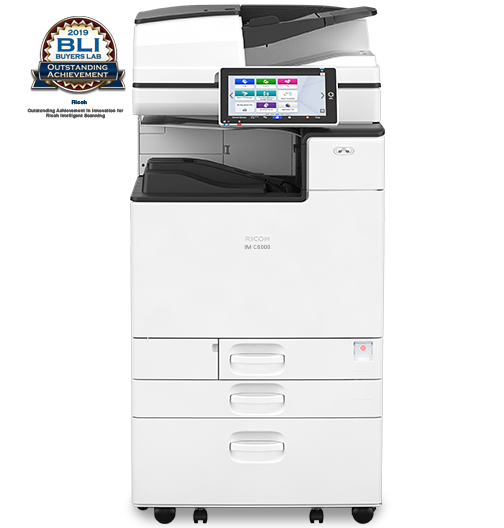
Compare the C6000 with the newer C6010
Both models print at a rated 60 ppm and have 220-sheet feeders. Ricoh lists two-sided scanning at up to 240 images per minute for the C6000 and 300 for the C6010. If searchable PDFs matter, ask the dealer to demonstrate the correct optional OCR unit on the exact machine.
Calculate C6000 purchase, lease and rental paymentsCompare C6010 purchase and service costs
Print and scan specifications
- Print speed
- 60 ppm
- Print resolution
- Up to 1,200 × 1,200 dpi
- Largest sheet in Tray 2
- 12 × 18 inches
- Paper input
- 1,200 sheets standard, 4,700 with options
- Document feeder
- 220-sheet single-pass duplex
- Scan speed
- 120 ipm one-sided, 240 ipm two-sided
- Network
- Gigabit Ethernet standard, wireless LAN optional
- Base dimensions
- 23.1 in wide × 27 in deep × 37.9 in high
- Power
- 120–127 V, 60 Hz
What to confirm with the dealer
Ask for the unit’s serial number, meter readings, tray and finisher part numbers, and written service coverage at your ZIP. Ricoh lists the Type M13 OCR unit as optional. Test a real two-sided scan on the exact machine.
Compare Washington-area purchase, lease and rental payments
For a lease, request the term, end-of-lease terms and service charges for the same configuration and print volume. Use the copier quote checklist.
Can I send scans from the panel to Paige?
Yes. Set a panel shortcut to an approved network folder and use Paige Folder Monitor to send files from that folder to a processing job. Ask for a demo of the route your office will use before ordering.
Compare the other Ricoh IM C models
- IM C4510 Start here for large scan batches and print jobs that fit comfortably at 45 ppm.
- IM C6010 Move up to 60 ppm if sustained print runs or a shared print queue regularly cause delays.
- IM C7010 Price the 70 ppm model when long print runs are frequent. Test the exact finisher and job separation you need.
Published reviews and test evidence
User reports hosted by a copier quote service
The construction office reported few jams and responsive controls and noticed some noise when the feeder pulled in originals. The driving school reported faster printing and less smudging than its prior machine and wanted faster stapled runs. Run your own scan batch and time a complete stapled job on the unit you are considering.
IM C6000 user reports from a construction office and a driving school in JapanUser-reported issue
One administrator reported occasional corrupted pages during large PDF batches sent directly from Windows 11 through Ricoh’s PCL 6 driver. The report covers one setup and leaves the cause open. Test a real batch from your usual PDF application and driver.
Administrator’s report about PDF printing on the IM C6010 and IM C6000