
Copiers for retail stores
Put signage, store forms and receiving scans on the back-office copier. Test the receipt printer your point-of-sale system supports, and compare sheet labels with a roll printer at the label station.
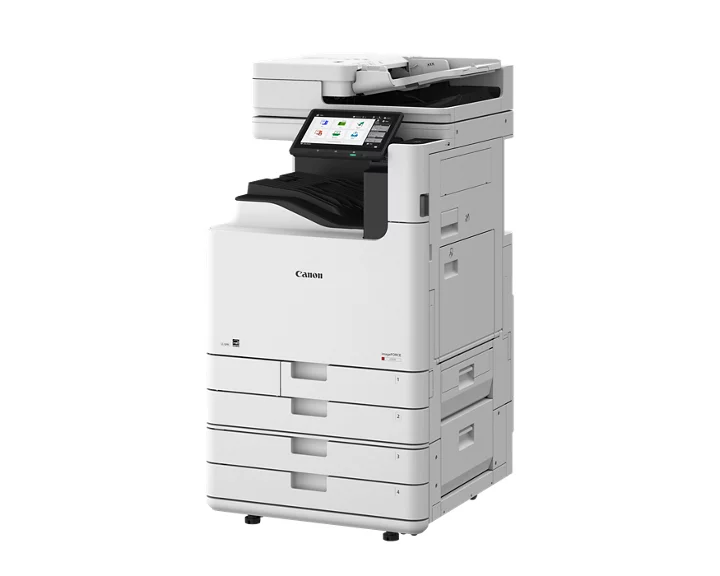
Which printer goes at each station?
- Checkout receipts
- Check the POS vendor’s supported printer list and connection type for the register. Run a test receipt and return. Ask the provider which model and paper roll it will support at rollout.
- Markdowns and shelf labels
- Use the store’s actual label template. Scan a printed example at the register and verify it resolves the right item. Compare a full sheet run with one-at-a-time printing before choosing the device. Estimate media cost per usable label.
- Signs and store forms
- Bring your largest sale sign and heaviest paper to the demo. Test color, margins, tray changes and available finishing. Ask which stores can send work to a fallback device if theirs is down.
Test a receiving scan from one store
Send a sample packing slip from the copier. Have a back-office user find it by store and order number, then repeat with a missing field so you can see where exceptions go. If teams rekey supplier invoice fields, use Paige from Ademero to test extraction with sample invoices. Ademero operates CopierGuide.
Compare installed prices by store
List which devices go at each location. Ask for the largest supported sign stock, color charges, setup and service terms for each installation ZIP.