
Copiers for law firms
Choose a machine that handles the paper you use, then test how a two-sided packet reaches the right matter. Ask the dealer to show who can release a print job and who can open the resulting scan.
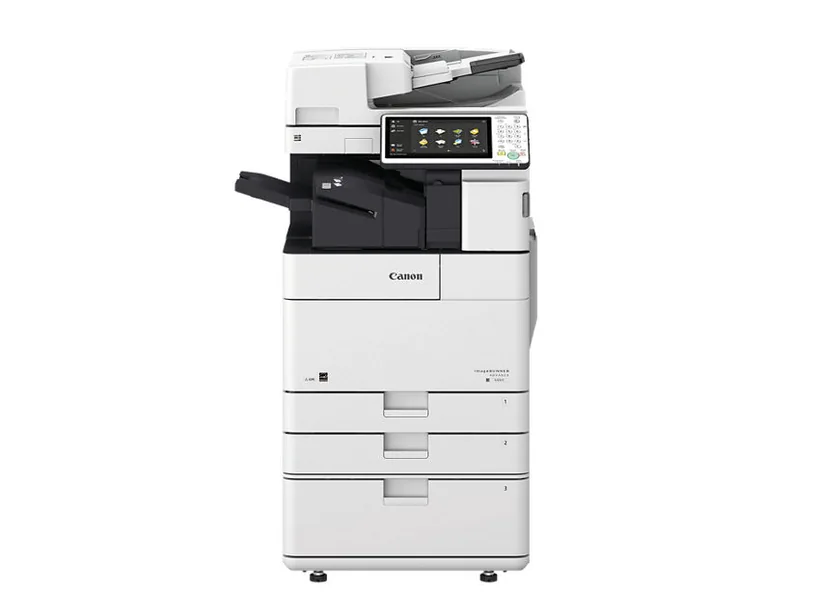
What should a law office test before buying a copier?
- Print 8.5 × 14 from a dedicated tray
- Bring a mixed letter and legal packet. Verify automatic tray selection, two-sided printing at each size, and any stapling or hole punching you rely on. Add 11 × 17 to the quote only if staff regularly print larger exhibits.
- Scan into the actual matter intake
- Run a two-sided sample with numbered pages. Check page order and size in the delivered PDF, search for a sample matter number, and ask a regular user to file it in the right place. Prepare and number the discovery copy.
- Release privately and check access
- Have two named users try the release process and confirm which jobs each can see. Ask the installer to show what happens when a folder is offline or a staff member loses access. Test the copier and repository records.
Get an installed price for the same setup
Include your office ZIP, monthly print volume, and the paper sizes and matter intake you need. Ask each dealer to price the same feeder, trays, release settings and service response.