
Copiers for two-sided printing and scanning
Check automatic duplex printing on your paper and ask which feeder scans both sides. A reversing feeder turns each sheet to read the back. A single-pass feeder reads both sides in one trip. Run your own batch at the resolution you use before buying.
Four copier options and their feeder specs
Scan rates below use each manufacturer’s stated conditions. Ask dealers to run the same batch in the same color mode, resolution and file format. The dated prices cover different equipment and buying terms.
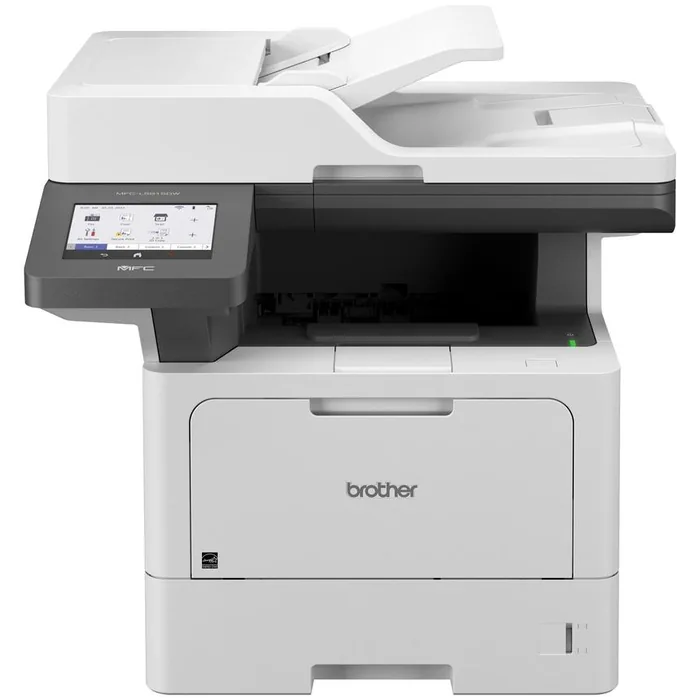
Brother MFC-L5915DW
A desktop option for black-and-white Letter and Legal output.
70-sheet single-pass feeder. Up to 60 images/min in black and white or 42 in color in Brother’s two-sided test.
Manufacturer specifications$589.99a new machine
Brother US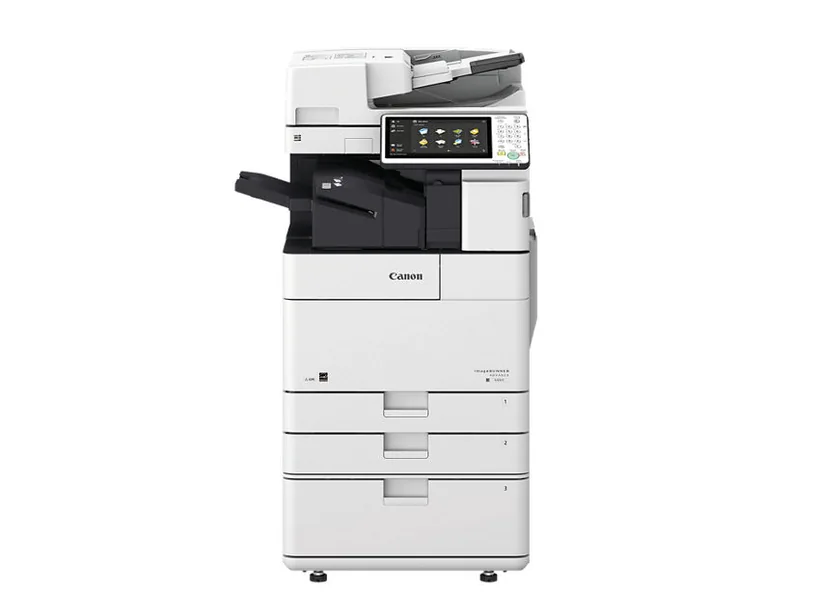
Canon imageRUNNER ADVANCE 4551i
A refurbished floor copier for black-and-white 11 × 17 output.
The original 4551i’s 150-sheet single-pass DADF-A1 scans up to 160 images/min at 300 dpi on Letter in either color mode. At 600 dpi in color it is rated at 80 images/min.
Manufacturer specifications$4,500a refurbished imageRUNNER ADVANCE 4551i
ABD Office Solutions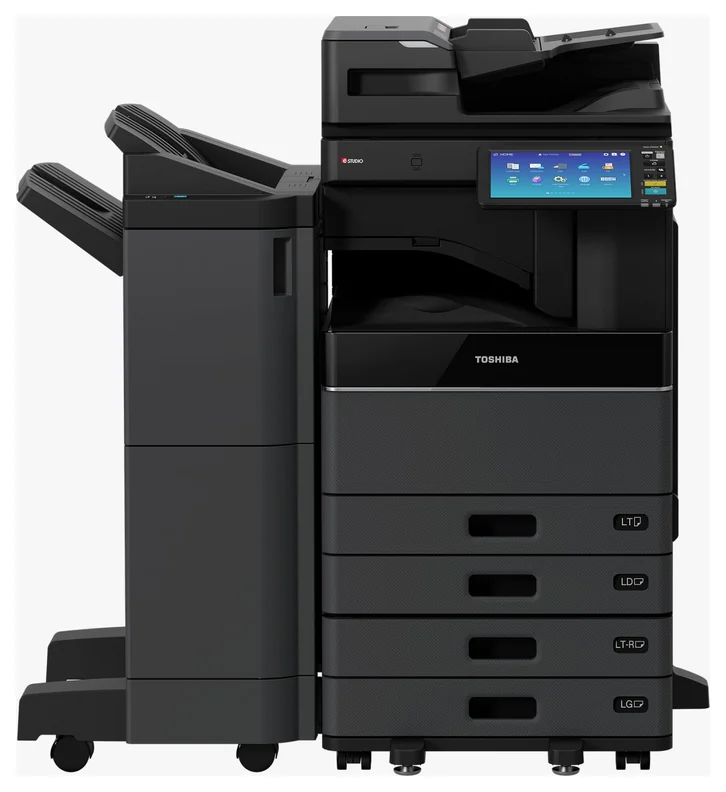
Toshiba e-STUDIO4518A
A preowned black-and-white floor copier with two feeder options.
At 600 dpi, the 100-sheet MR-3031 reversing feeder is rated at 25 two-sided sheets/min. Toshiba lists more than 120 images/min at that resolution for the 300-sheet MR-4000 single-pass feeder.
Manufacturer specifications$3,500a preowned e-STUDIO4518A before shipping
KKC Imaging Systems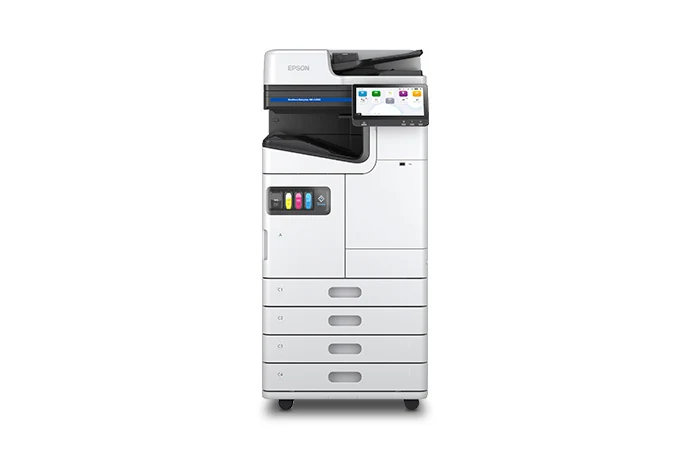
Epson WorkForce Enterprise AM-C4000
A color 11 × 17 inkjet with a published Michigan contract price.
The automatic two-sided feeder holds about 150 sheets at 80 g/m². Epson rates Letter duplex scans at up to 120 images/min at 200 dpi.
Manufacturer specifications$7,241equipment line for C11CJ43201 under the April–December 2026 contract for eligible Michigan buyers
Epson’s REMC SAVE catalog
What the rated speed tells you
Canon rates the 4551i at 160 images per minute on two-sided Letter color scans at 300 dpi and 80 at 600 dpi. Divide the 100 images in a 50-sheet batch by each rate and multiply by 60 for seconds. The rated feed times are about 38 and 75 seconds. Time the real job until the finished PDF opens, including transfer and recognition. Canon’s scan speed table.
DataMaster’s 2025 scanner evaluation recognized the Epson AM-C4000, AM-C5000 and AM-C6000 family. Its assessment included the legibility of signatures and fine detail in compressed PDFs. Bring a signed sample and check the result at the size your office has to transmit or store. DataMaster’s published evaluation.
Run three checks on the machine you’re buying
Print on both sides of your usual stock
Print a packet on the paper sizes and weights you use. Check the long-edge or short-edge setting and the tray the job actually uses. Ask how the service meter counts each printed side.
Count pages in the delivered scan
Use a numbered sample with at least one faint or sparsely marked back. Verify page order, dimensions and searchable text. Bring a representative batch for timing, and include the transfer to your approved destination.
Verify the file can continue into your workflow
Send the batch from the actual panel. If staff use a shared folder, Paige from Ademero can monitor it from an approved Windows computer and submit files to a capture job. Confirm the result reaches the configured system. For a Windows scan station, verify the exact model and TWAIN driver before using CapturePoint 6 for direct scanning. Ademero operates CopierGuide.
Put the feeder and scan test in the quote
Give the dealer your ZIP and the paper, color mode and destination you plan to use. Ask for equipment, trays, OCR, inside delivery and service as separate lines.